The Product
The operating layer your dispatch team actually uses.
SwiftDispatch is not a platform you configure forever. It is a tight loop — intake arrives, dispatch assigns, the tech updates from the field, the customer approves the quote — and the office can see all of it without making a single call.
3–15
Technicians
The team size SwiftDispatch is built around
< 60s
Job creation
From call to active job on the board
1 tap
Quote approval
Customer approves from the SMS link
0 apps
For technicians
Portal runs in the phone browser
The dispatch board
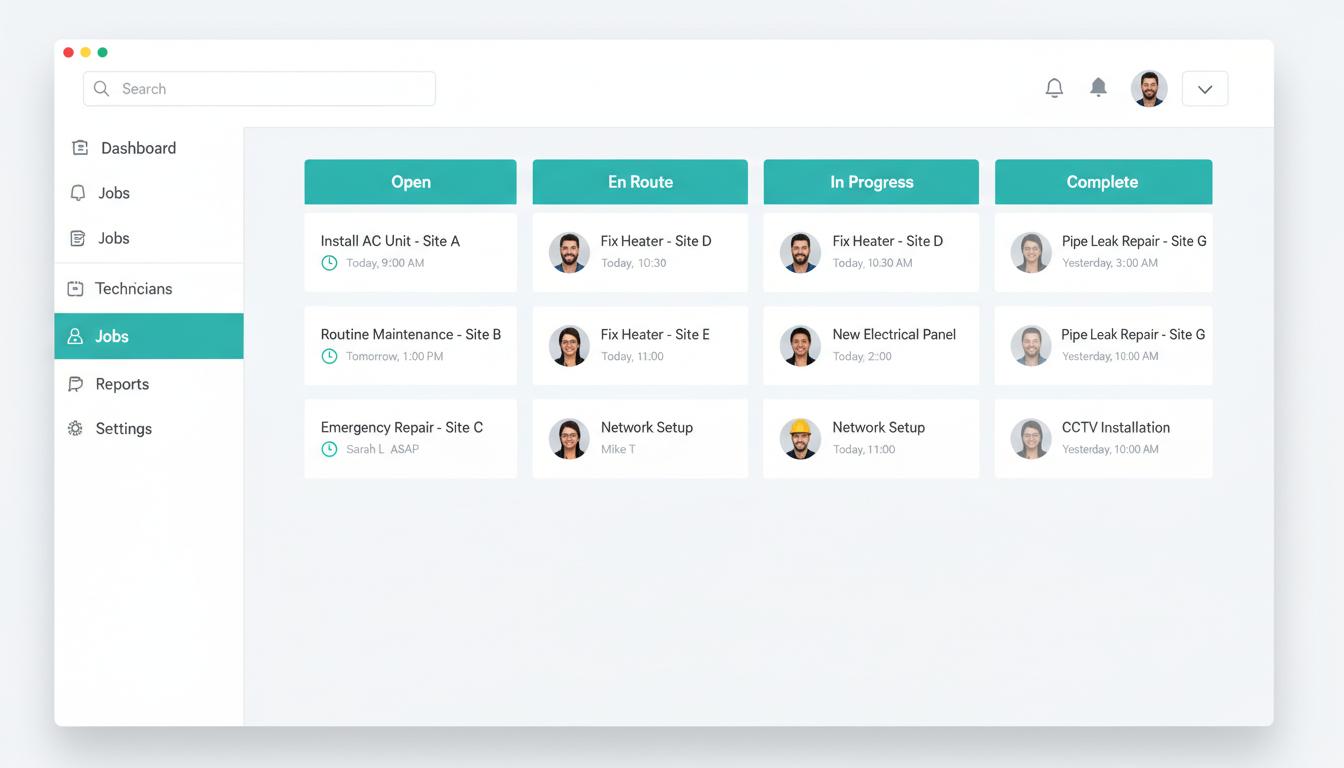
A live Kanban board showing every active job, its current status, and which technician owns it. The dispatcher's command surface — one view, no chasing.
- Columns map to your actual workflow: New, Assigned, En Route, In Progress, Quote Pending, Completed
- Drag a card to a different column to move the job forward — the technician gets notified automatically
- Each card shows the customer name, issue summary, address, and how long the job has been open
- Emergency jobs get a red left border so they stand out at a glance without cluttering the layout
- The board updates in real time — two dispatchers see the same state without refreshing
The technician portal
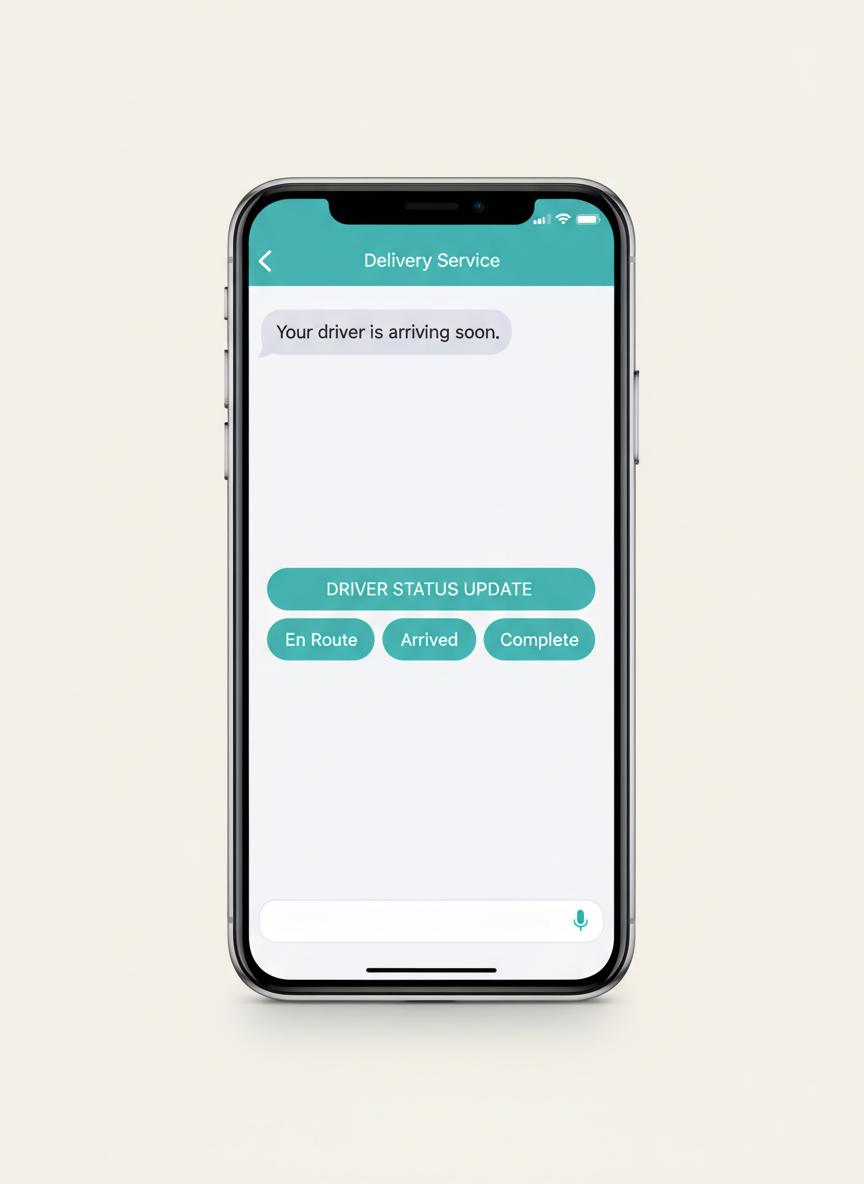
A mobile-optimized web portal that gives technicians exactly what they need in the field — their current assignment, customer details, and the ability to update job status without calling the office.
- No app install required — technicians open a link on any phone browser
- Login uses a handle and PIN, not an email account the tech may not check
- Each job shows the customer name, phone, address, and issue description
- Status updates (En Route, Arrived, Completed) are one tap — the board updates instantly
- A secure token link from the assignment SMS takes the tech directly into their job
Quote builder and approvals
Build a quote while the technician is still on-site, send it by text, and get a response before the tech packs up. No follow-up call, no lost paperwork, no waiting.
- Line-item quote builder inside the job detail — add parts, labor, and notes
- One click sends the quote to the customer as an SMS with a secure approval link
- The customer taps Approve or Decline — no account, no app, no friction
- The board shows the quote status in real time so the dispatcher knows when to follow up
- Accepted and rejected quotes are timestamped and kept in the job record

SMS communication layer
Customers get a text at each stage of the job without the office making a single call. Dispatch confirmation, en route notification, and quote delivery all happen automatically.
- Automated status texts fire when the technician updates the job — no manual send
- Messages go out under your own Twilio number, not a generic shared shortcode
- Quote approval is handled entirely by text — the customer never needs to log in anywhere
- SMS consent is collected at intake and stored server-side before any message is sent
- Delivery failures surface on the board so nothing goes silently undelivered
Analytics without the spreadsheet work
Response time from intake to dispatch, quote sent rate, approval conversion, and revenue by period — all derived automatically from the data your team already generates. No export, no pivot table.
Ready to see it?
A 30-minute walkthrough will show you more than this page can.
We will walk through the exact workflow for your team size and tell you honestly whether SwiftDispatch is the right fit.